Normally, you can force quit an iPhone application by pressing and holding down the HOME button for around 6-8 seconds in firmware 2.2 or lower. But as Apple released the iPhone 3.0 OS, this method does no longer work. So, how can you force quit an application for iPhone 3.0, Why do You Want to Force Quit an iPhone App, Before talking about the How, you probably have a question in your mind why you need to explicitly quit an iPhone application. Let say you finish using the Stock application and you press Home button to go back to home screen. You may think that you already quit the application. The fact is the Stock application does not actually quit and it’s just “hidden” somewhere in background. So, next time, you launch the Stock application again, iPhone will just unhide it and put it back to foreground. This can certainly minimize the application load time for subsequent launch. But there is always a trade off. As the application is hidden in background, it takes up certain amount of iPhone memory. So, sometimes you probably like to free up more resources for your iPhone by explicitly quit those unused applications. So, how do you Force Quit an iPhone app, For iPhone 3.0, to explicitly quit an iPhone app, you should first press and hold SLEEP/POWER button until the power off slider shown. Then you can press and hold HOME button for a while (around 6-8 seconds) to quit the iPhone app. And, it will automatically bring you back to the home screen.
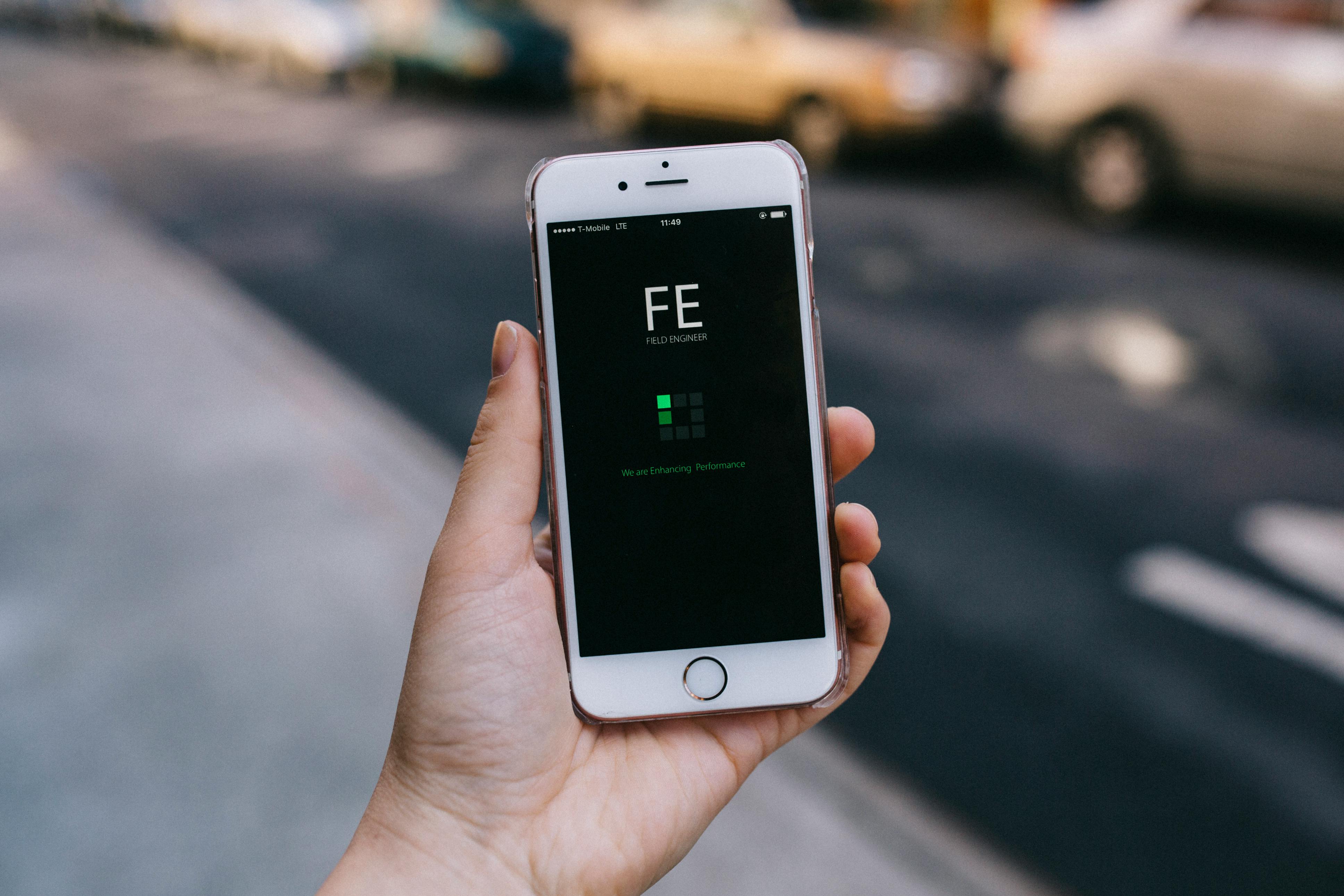
It can be quite annoying and sometimes even scary when you open up an app and it suddenly freezes. When this happens, you should be able to resolve the issue in most cases by Force Quitting the Unresponsive App, completely stopping it from running on your device. Even though iOS is designed to run your device as efficiently as possible, you will come across certain apps that become unresponsive or refuse to behave well on your iPhone. In case an app becomes unresponsive, force quitting the app is known to resolve problems like unresponsiveness and clear up minor glitches. Another reason for Force Quitting Apps would in case of certain apps like Facebook and Skype that might surprise you by the amount of time they spend in background activities. Contrary to the popular belief, force quitting apps is not always useful in improving the battery life or the performer of your device.
Re-launching the apps from scratch will only end up consuming more power and slow down your device as the apps need to update in the foreground, before you can begin to use them. Hence, Force Quitting Apps should only be resorted to when there is an absolute need to completely stop an app from running on your device. Follow the below steps to Force Quit Unresponsive apps on your iPhone and iPad. Once you locate the app, swipe up on the App card to Force close the app. In case you find yourself stuck on the app and it has become unresponsive, you can Force Quit the app by using the following steps. Now, power on your device and try opening the app to see if the problem still persists. Tip: In case the app is still crashing, try deleting the app from your iPhone and then reinstall it back again. In case you do not want to force quit the app, you can by-pass the unresponsive app and still get back to the home screen by using the steps below. Next, hold down the Home Button, till you see your Home screen.
Multitasking in iOS can be used for more than just switching between apps. Truth be told, iOS is very stable, and apps normally run without any issues. However, every once in a while, you will likely encounter a misbehaving app. If this happens to you, there’s no need to be concerned, as it happens to everyone from time to time. More: Stuck on the spinning wheel of doom, Maybe an app has locked up and become unresponsive. If you press the home button and re-open the app, it may not fix the issue, in which case you will have to close out of the app. When you press the home button, your app will still be paused in the background, and some apps will still be running, particularly those designed to stream content. In these situations, it may be necessary to force quit the app. There’s a big misconception that closing all of your apps all the time will help your iPhone or iPad run faster. Others think it will help you conserve battery life.


0 Comments