
Apple surprised customers this past weekend when it announced that it’s discounted iPhone battery replacement program had launched well ahead of schedule. Of course, it’s difficult to applaud the company for kicking off the program early when the entire reason it exists is due to the fact that Apple was discovered to have been secretly throttling older iPhone models for years. Just in case this is somehow news to you, let’s rewind for a moment. Late last year it was discovered that Apple has been secretly slowing down older iPhone models. That’s right, it turns out that all the crazy conspiracy theorists who said Apple intentionally slows down iPhones as they age in an effort to force upgrades were correct. Well, they were half correct, at least; the supposed logic here is that Apple throttled performance on older iPhones in order to extend battery life as batteries start to age. That’s what Apple claimed when it finally fessed up to the intentional iPhone slowdowns last month. The new lower price was supposed to take effect sometime in January, but Apple’s new battery replacement program ended up starting early this past Saturday.
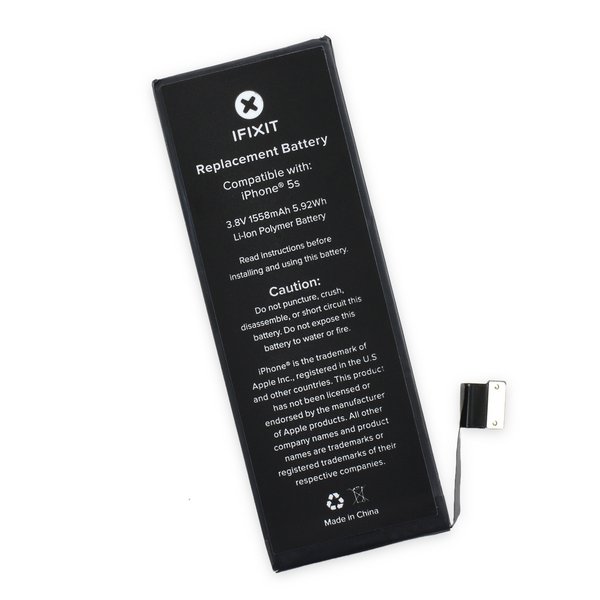
You’ll find everything you need to know in this post. First things first: there are already more than a dozen lawsuits looming over this issue. Lawyers saw a huge opportunity the moment the news broke, and class actions are piling up. Having your iPhone battery swapped by Apple will not exclude you from collecting your teeny tiny piece of the pie once these lawsuits get combined and settled, so don’t worry about that. Your main concern right now should be restoring your iPhone to its former glory, and it’s quite easy to make that happen. There is no way to toggle Apple’s hidden throttling on or off within the company’s iOS software. Instead, the only way to disable an iPhone slowdown is to install a new battery in your phone. That process is somewhat complex, so doing it yourself is ill-advised. Plus, there’s a good chance you’ll end up with a third-party knockoff battery if you try to buy one online and swap out your old battery yourself. All you have to do is head over to this page on Apple’s website to get started. There, you’ll be able to schedule a Genius Bar appointment at your local Apple store, or schedule an appointment with an authorized Apple service provider. If there are no Apple stores or authorized service centers near you, you can use the same page to send your iPhone in for repair through the mail, though that means being without your iPhone for at least a week. If you’d like more information or you have concerns, you can schedule a call with Apple customer service on that page, or just call Apple directly at (800) MY-APPLE.
We care deeply about our customers and take seriously concerns they have about their Apple products. After hearing reports from iPhone customers whose devices unexpectedly shut down, we thoroughly looked into these reports, and collected and analyzed devices. We found that a small number of iPhone 6s devices made in September and October 2015 contained a battery component that was exposed to controlled ambient air longer than it should have been before being assembled into battery packs. As a result, these batteries degrade faster than a normal battery and cause unexpected shutdowns to occur. It’s important to note, this is not a safety issue. To help our customers who are experiencing this issue, we are replacing batteries in affected devices, free of charge. Phone 6s owners can easily find out if their device is eligible by typing in their device’s serial number on the iPhone 6s Program for Unexpected Shutdown Issues web page. We apologize for any inconvenience this has caused customers. We also want our customers to know that an iPhone is actually designed to shut down automatically under certain conditions, such as extremely cold temperature. To an iPhone user, some of those shutdowns might seem unexpected, but they are designed to protect the device’s electronics from low voltage. We looked for any other factors that could cause an iPhone to shut down unexpectedly. After intensive investigations, no new factors have been identified. We will continue to monitor and analyze customer reports.
Remove the metal handle from the suction cup. It's easier and safer to grip the suction cup's base instead of the metal handle. Be very careful when opening the iPhone so that the cables under the display are not severed. There is a rubber gasket between the silver front bezel and black display assembly. A bit of force is required in this step to separate the iPhone's display assembly. It may help to rock the suction cup back and forth to remove the display assembly. Use a small suction cup near the Home button to gently pull up the bottom portion of the iPhone's display assembly. If the display assembly is too damaged to allow the suction cup to adhere, tape with a strong adhesive such as duct tape or packing tape may be used. The display assembly is still connected to the iPhone by several cables, so don't try to remove it entirely just yet.


0 Comments